
Make any screen your signage spot

Let ads be displayed on any screen
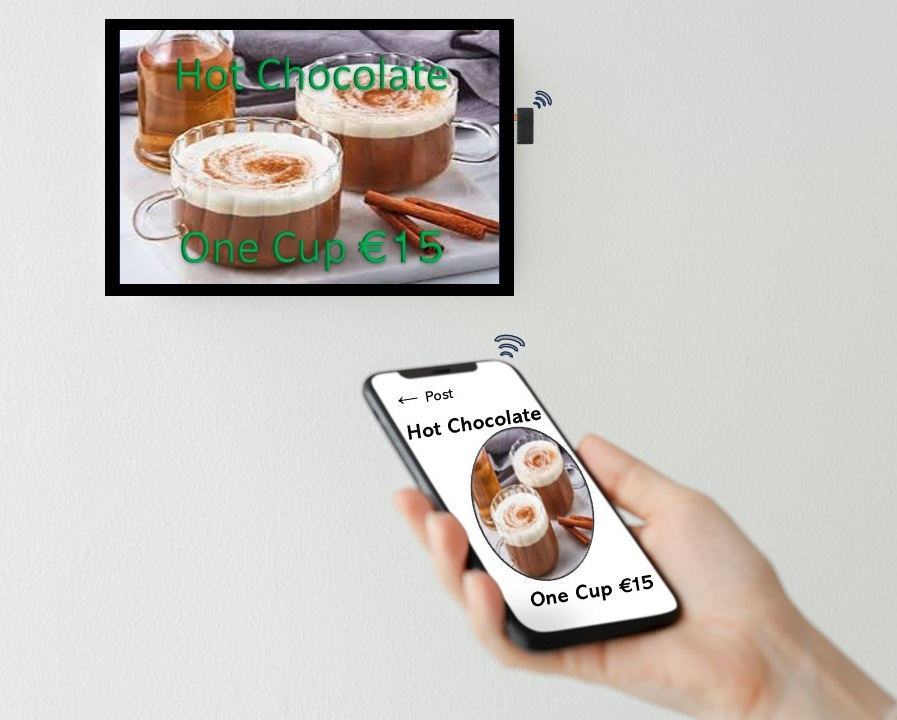
Digital Signage Posters
To start using Anyscreen Poster Signage, attach it to the desired display. Then download and install the application on your mobile phone, and connect to the device's wireless network. Launch the application, compose menu posters and send to screen. The mobile application package file for Android Phones is available on download page. IoS version is not available at the moment. The application is featured with quick functions with very simple user interface; Take photo, edit tags and post or delete posters.
It's an instant poster signage
Make a signage spot for posters with quick steps easily.


Easy to deploy for businesses
Since it works stand-alone without cloud hosting, just a screen with an HDMI port is enough to have a signage spot at the desired location and show the poster sign. Multiple posters, as many as wanted, can be displayed as slides show.
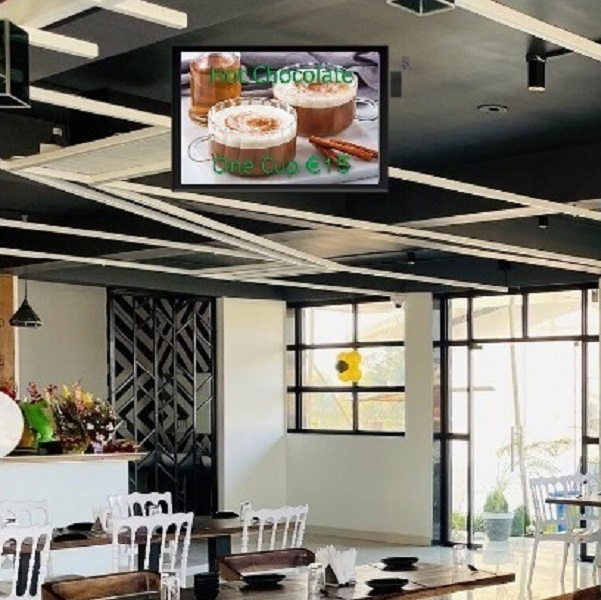
No Board, No Replacement!
Changing the poster boards for pricing or image update is not a concern when there is anyscreen signage!
Features
Stand-alone
Anyscreen Poster Signage is a stand-alone Digital Signage System that is designed specifically for single screen auto poster rendering. It enables displaying advertisements on any HDMI compatible screen without internet or modem.
Plug-and-play
No complex set up, no remote hosting and no subscription are needed. It is plug-and-play system with a portable mini box device that is connected to the HDMI port of any display, hence the content appears on the screen.
Mobile-controlled
Since it establishes its own wireless network, a mobile phone can connect to it directly. So posters of desired items can be auto prepared by the app and showed on the display instantly, i.e. take photo of an item by the app, fill the data, and it is casted!
Functions
Watch the video to learn about the functions achieved with this mini signage box via the mobile app.

